

Description
Download U.S. Cellular Mobile TV – free TV app, live TV on Android, on-demand shows, mobile TV streaming, U.S. Cellular app
Overview
U.S. Cellular Mobile TV is a dedicated mobile application designed to deliver live and on-demand television content directly to Android devices. The software enables users to access a curated selection of free channels, including news, entertainment, and sports programming, making it a convenient tool for staying informed and entertained while on the move. Targeted primarily at U.S. Cellular customers, the app supports a range of real-world usage scenarios, such as watching live sports events, catching up on favorite shows during commutes, or viewing breaking news from trusted sources like Fox News and Buzzfeed.
Designed as a free-to-download solution, the app requires no subscription for access to its base content library. This makes it accessible to a broad audience seeking flexible viewing options without long-term commitments. For users seeking expanded content, an optional Entertainment Package is available as an add-on to existing U.S. Cellular plans, offering access to additional networks and live sports coverage. The app’s focus on mobility and convenience positions it as a practical choice for consumers who want to take their television experience beyond the living room.
Key Features & Capabilities
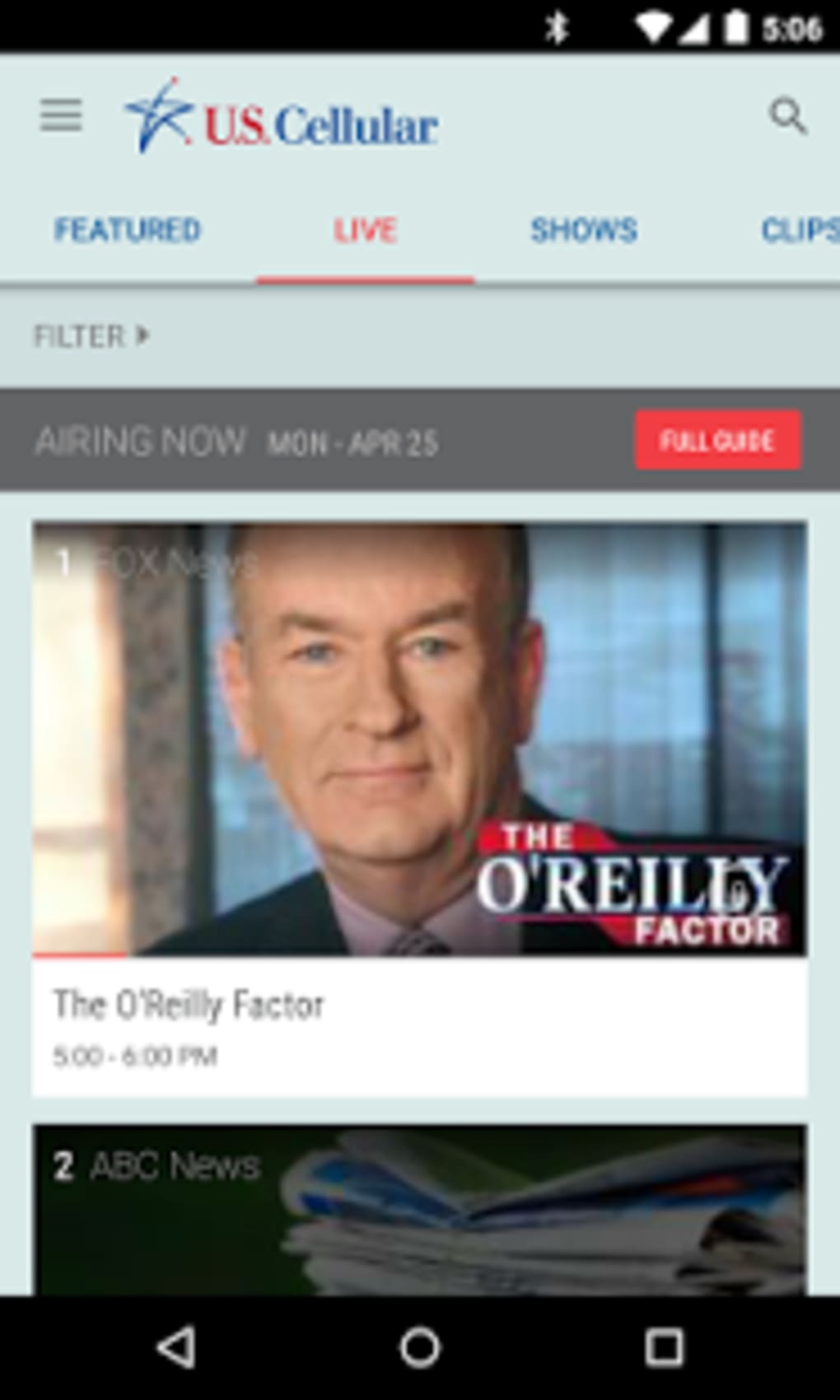
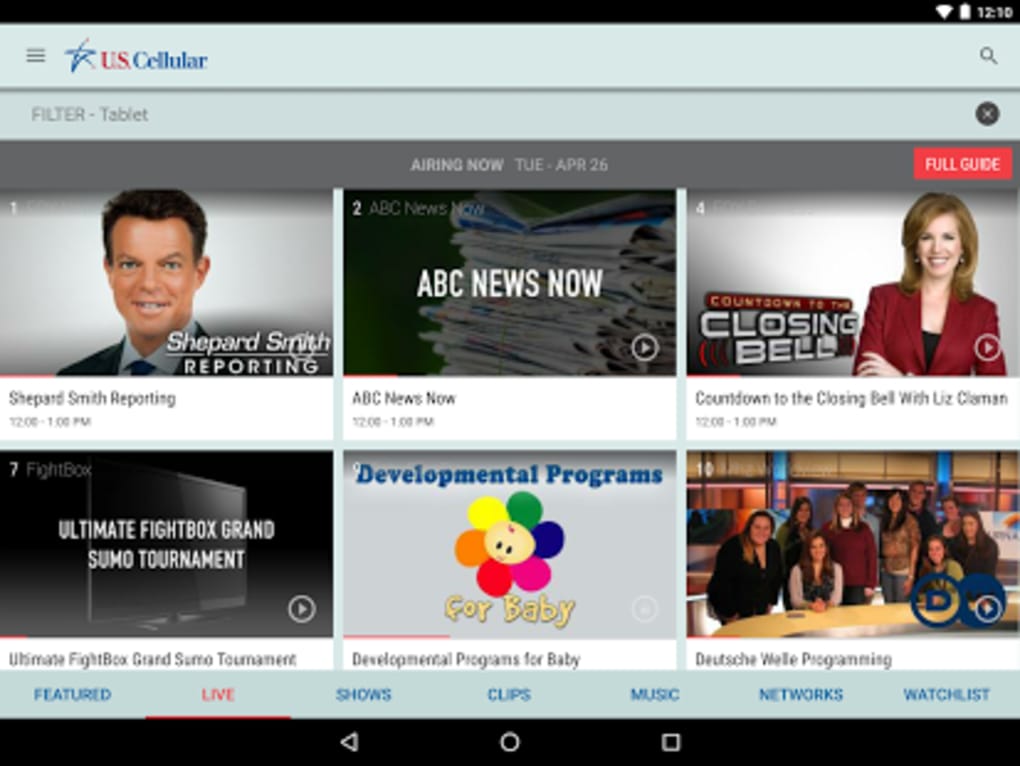
- Live TV Streaming – Users can watch live broadcasts from free channels such as Fox News, Buzzfeed, Comedy Time, and UFC, ensuring access to current events and live programming from anywhere with a stable internet connection.
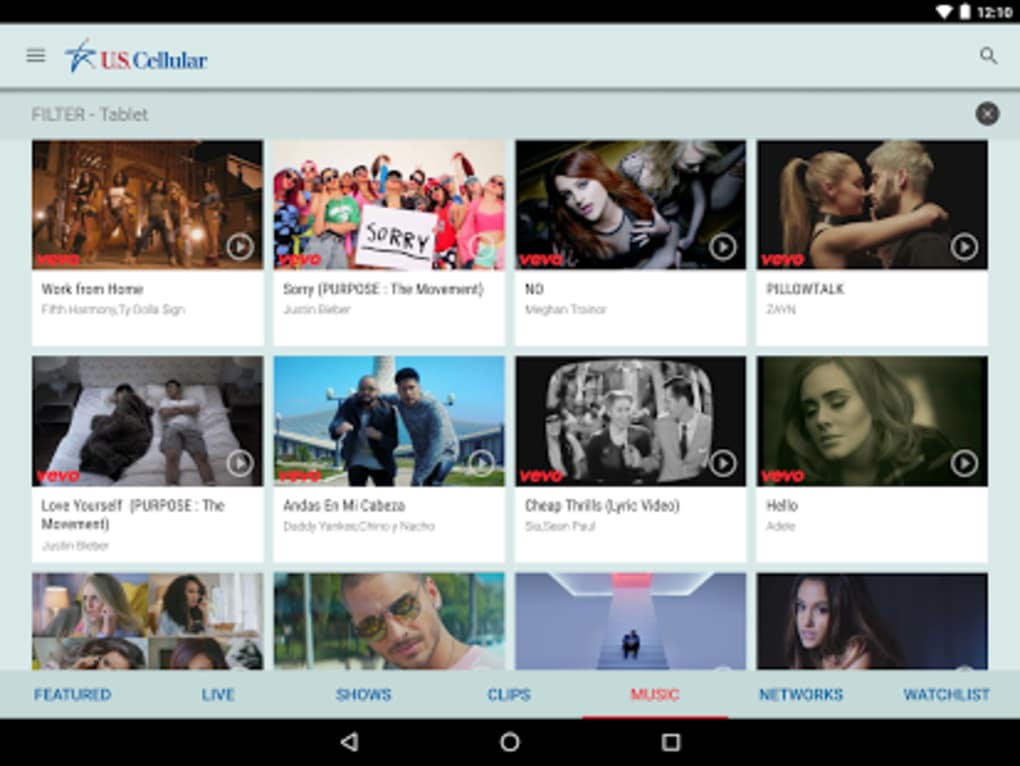
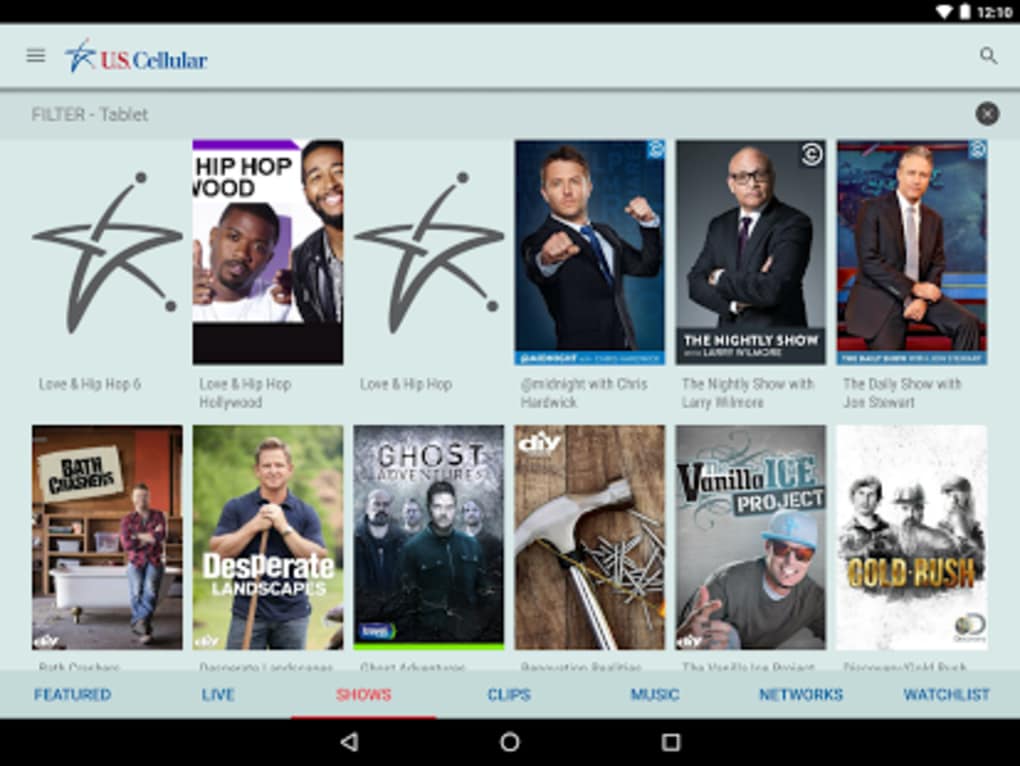
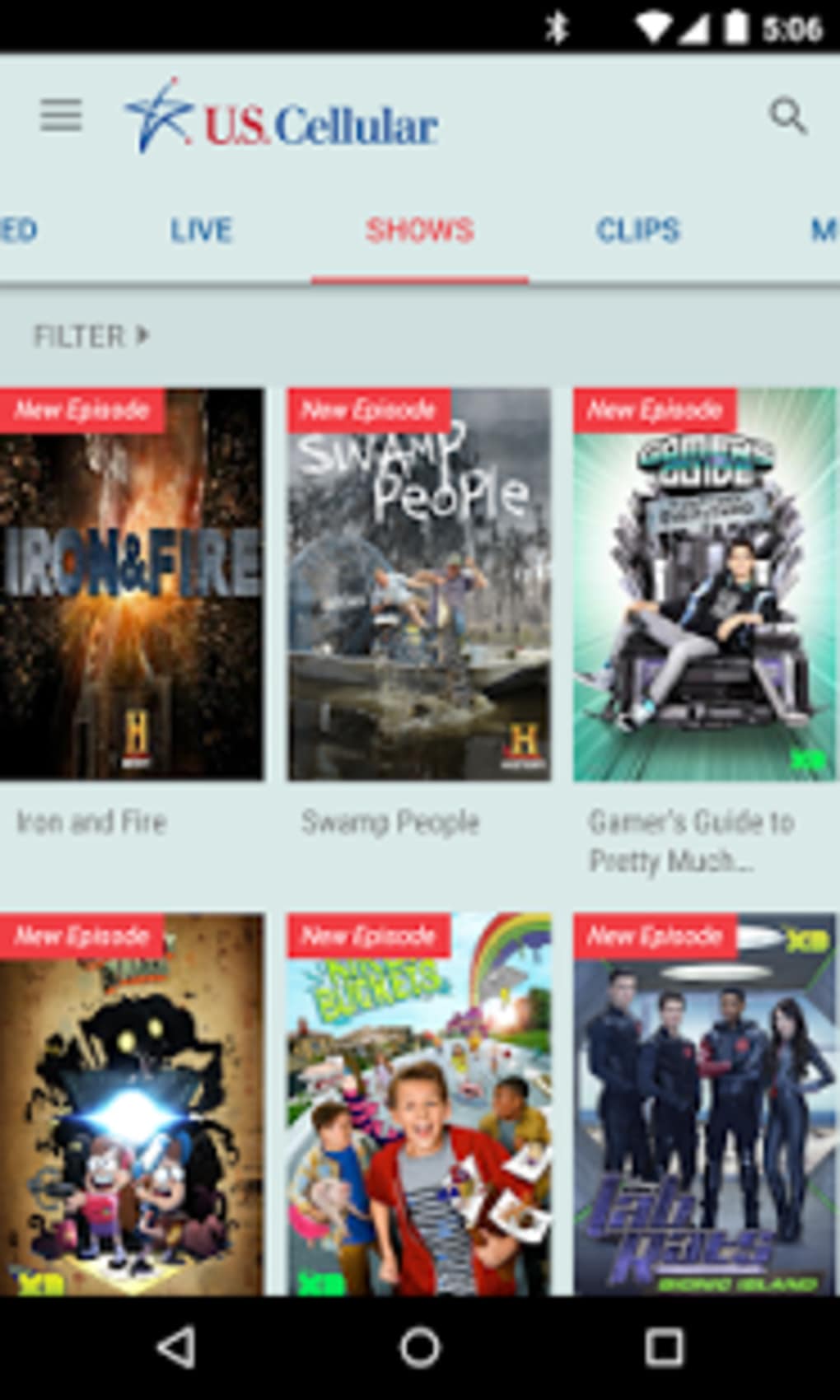
- On-Demand Shows – The app provides a library of previously aired episodes and clips, allowing users to watch content at their convenience, ideal for catching up on missed programs.
- Watchlist Functionality – A built-in reminder system lets users add upcoming shows to a personal watchlist, ensuring they don’t miss scheduled broadcasts.
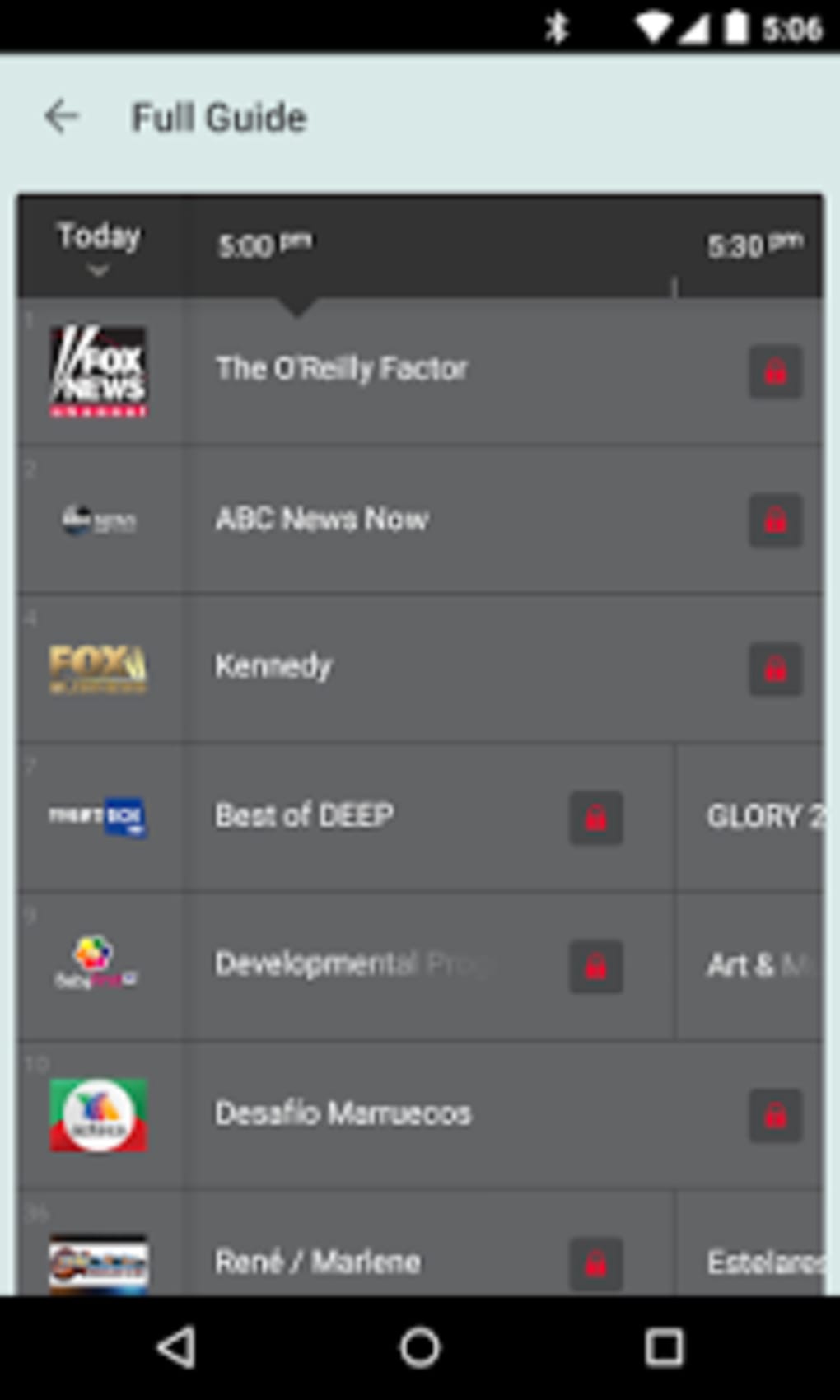
- TV Guide Access – A comprehensive guide helps users navigate upcoming programming, enhancing the ability to plan viewing sessions in advance.
- Entertainment Package Add-On – For enhanced access, users can upgrade to a premium content tier through their U.S. Cellular plan, unlocking top-tier networks and live sports coverage.
These features collectively support a seamless viewing experience tailored to mobile users. Whether commuting, traveling, or relaxing at home, the app allows for continuous access to television content without the need for traditional cable or satellite subscriptions.
User Interface, Workflow & Performance
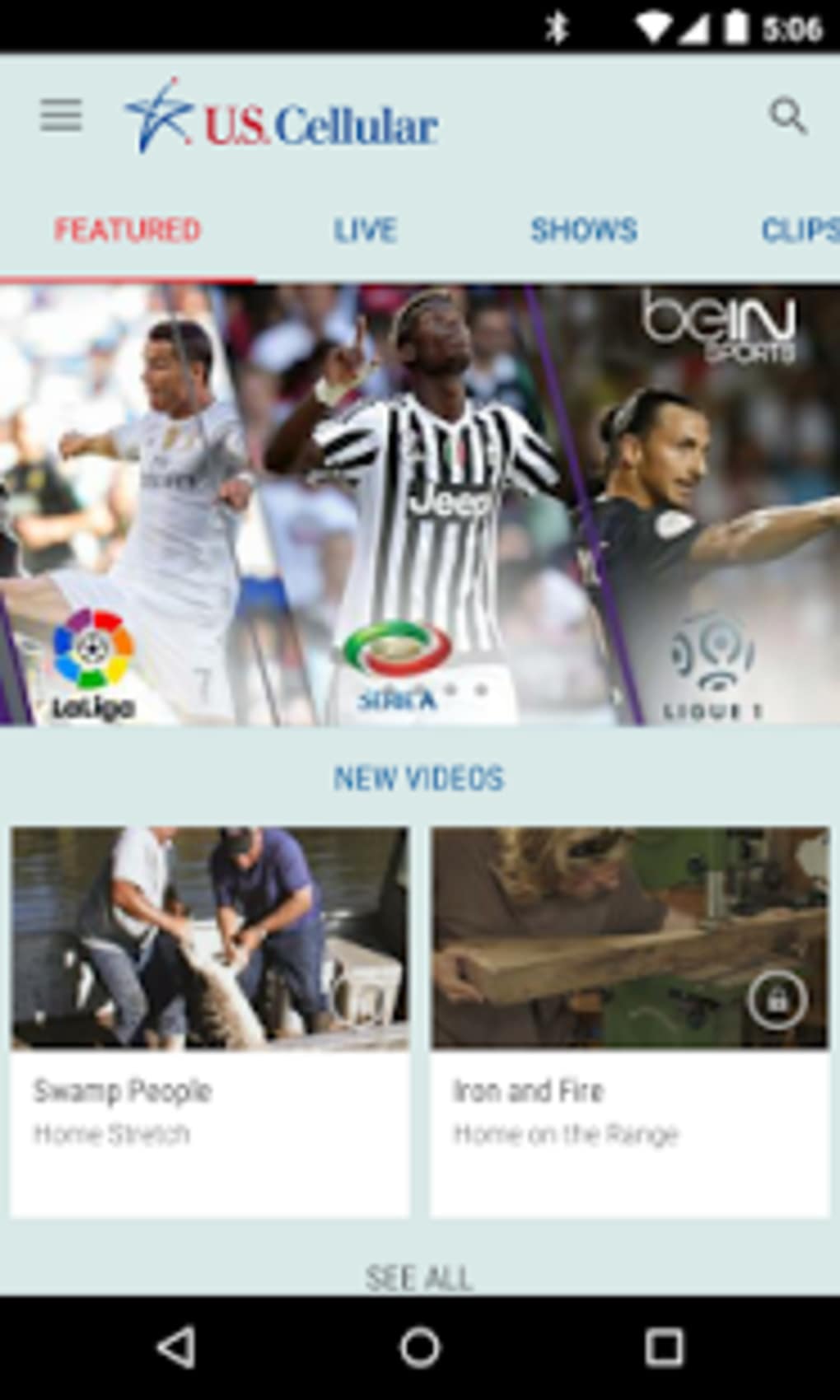
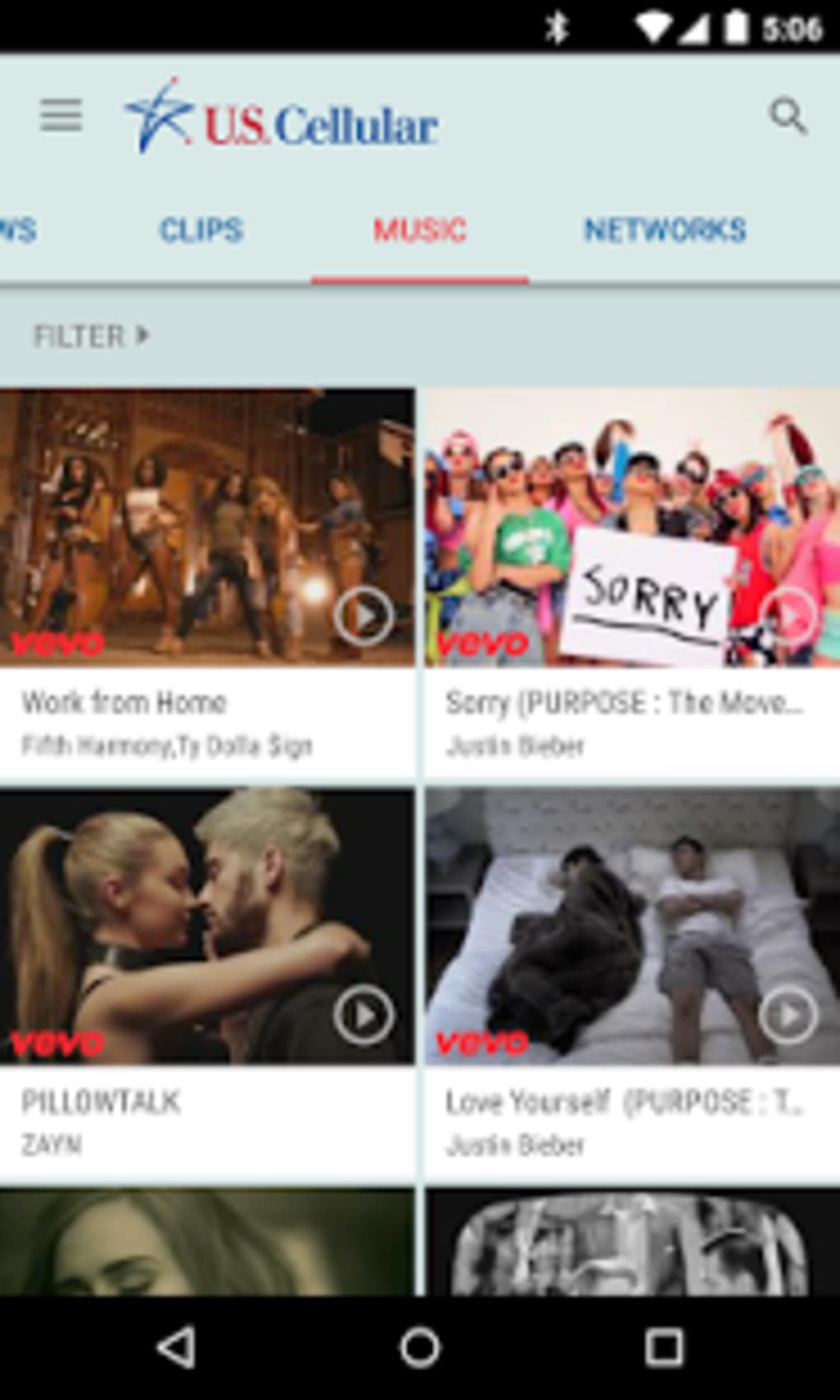
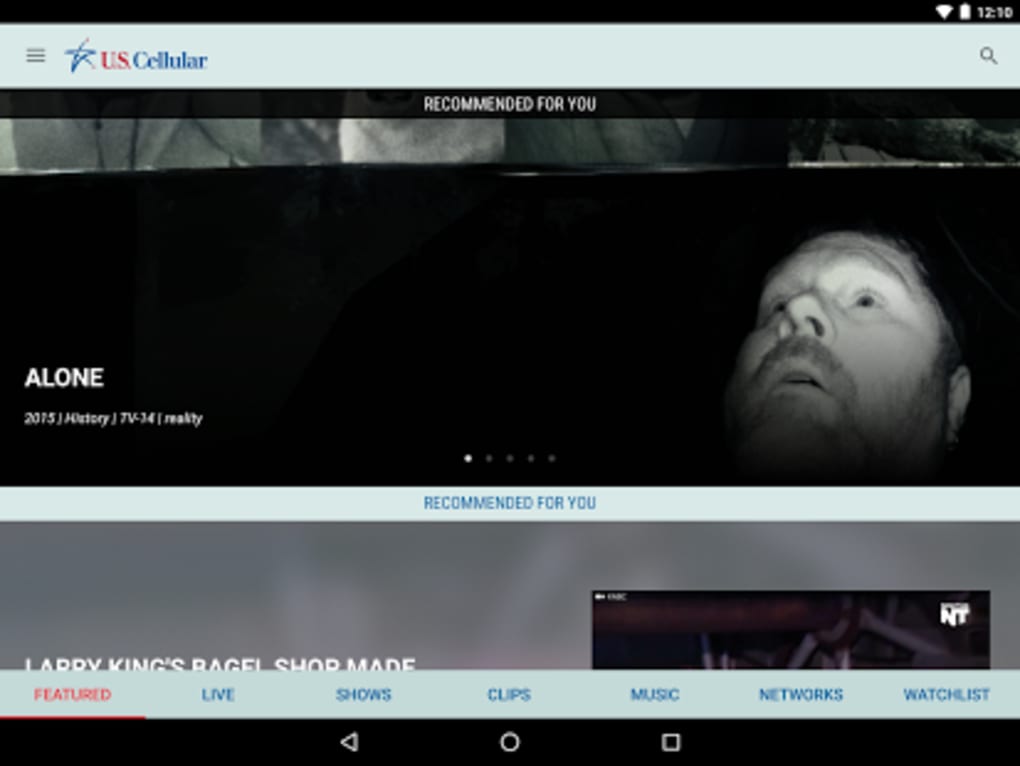
The user interface of U.S. Cellular Mobile TV is designed with simplicity and efficiency in mind, prioritizing intuitive navigation across live and on-demand content. The layout likely features a clean home screen with categorized channel listings, a dedicated section for the TV guide, and a personalized watchlist. Navigation between sections is expected to be straightforward, minimizing user effort during content discovery.
Workflow efficiency is enhanced by the app’s streamlined design, which reduces the number of steps required to start watching a show. From selecting a channel to launching playback, the process is optimized for mobile use. While specific performance data such as CPU or RAM usage were not provided, the app’s 42.5 MB file size suggests a lightweight footprint, which may contribute to smooth operation on mid-range Android devices.
The developer did not specify resource usage details. Performance observations are based on general software behavior patterns. Stability is expected to be consistent for users on supported Android devices with reliable internet connectivity, though actual experience may vary based on network conditions and device capabilities.
Compatibility & System Requirements
U.S. Cellular Mobile TV is exclusively available for Android devices. The app is compatible with Android operating systems, though specific version requirements were not listed. Installation requires approximately 42.5 MB of storage space, which is relatively modest and suitable for most modern smartphones and tablets.
Exact system requirements were not listed. Compatibility information was partially provided. Users should ensure their device meets minimum Android standards for app installation and operation. The app’s availability on the Google Play Store indicates compliance with platform guidelines, but detailed hardware or OS version specifications were not included in the provided data.
Pros and Cons
Pros
- Free to download and use with access to a variety of free channels.
- Offers live and on-demand content for flexible viewing.
- Includes a watchlist to help users stay updated on upcoming shows.
- Simple, mobile-optimized interface for easy navigation.
- Available as an add-on to U.S. Cellular plans for expanded content access.
Cons
- Currently limited to Android devices only.
- Additional content requires an upgrade to a paid package.
- Exact system requirements and compatibility details not provided.
- Performance may vary depending on internet speed and device capabilities.
- No information on offline viewing or content downloads.
FAQ Section
Is U.S. Cellular Mobile TV available for iOS devices?
The app is currently only available for Android devices. No iOS version has been announced or released.
Is the app secure to use?
As a native app distributed through the Google Play Store, U.S. Cellular Mobile TV adheres to standard security practices. However, no specific security certifications or data handling policies were provided.
How often does the app receive updates?
Update frequency was not specified. Users should check the Google Play Store for the latest version and improvements.
Can I use the app without a U.S. Cellular plan?
While the app is available for download by anyone, full access to content—especially the Entertainment Package—requires a U.S. Cellular plan. Free channels are accessible without a subscription.
Does the app support offline viewing?
There is no information available regarding offline content playback or download functionality.
Final Thoughts + CTA
U.S. Cellular Mobile TV delivers a compelling mobile television experience tailored for U.S. Cellular customers seeking flexibility and convenience. With access to live broadcasts, on-demand shows, and a helpful watchlist, the app effectively bridges the gap between traditional TV and mobile viewing. Its free access to a range of popular channels makes it a strong choice for casual viewers, while the optional Entertainment Package offers a pathway to expanded content.
Despite its current limitation to Android and lack of detailed system requirements, the app stands out for its straightforward design and practical features. For users already on a U.S. Cellular plan, it’s a valuable addition to their digital toolkit. Those seeking a reliable, free mobile TV solution on Android should consider this app.
Download U.S. Cellular Mobile TV now
Guides & Tutorials for S Cellular Mobile TV
How to install S Cellular Mobile TV
- Click the Preview / Download button above.
- Once redirected, accept the terms and click Install.
- Wait for the S Cellular Mobile TV download to finish on your device.
How to use S Cellular Mobile TV
This software is primarily used for its core features described above. Open the app after installation to explore its capabilities.
User Reviews for S Cellular Mobile TV 0
No reviews found





